Do you forget where each client left off? Don't remember what you promised or when you should follow up? Therefore, in this guide we explain what is a CRM and what it is for, in simple language and without unnecessary technicalities. It's a common sign that your business is growing faster than your current organization system, usually an Excel sheet, a notebook, or simply memory. This way you will be able to know, in a few minutes, if your business already needs it. This guide on what a CRM is summarizes the criteria that should be reviewed before choosing. What is a CRM: This guide summarizes criteria, limits, and steps for choosing with context.
which is a crm allows you to compare functions, limits and context before deciding. which is a crm allows you to compare functions, limits and context before deciding. which is a crm allows you to compare functions, limits and context before deciding.
que es un crm: esta guía reúne criterios, límites y pasos para elegir con contexto.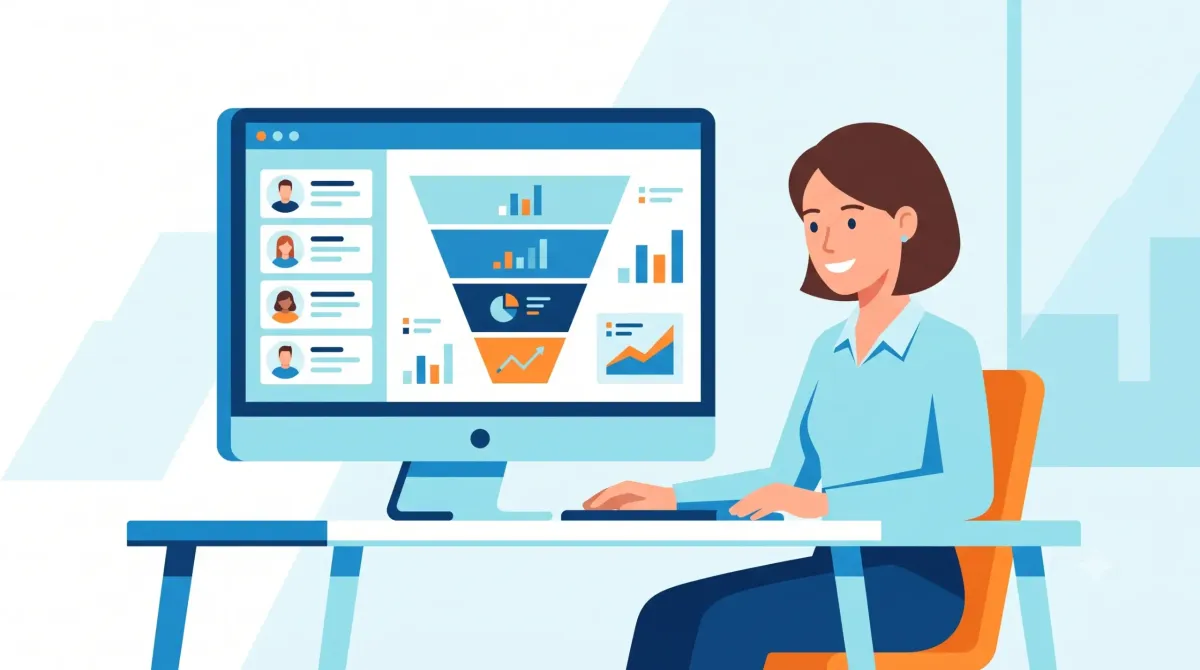
What a CRM is requires comparing features, limits and context before deciding.
what is a crm: criteria and guide
What is a CRM?
CRM is the acronym in English for Customer Relationship Management, or “Customer Relationship Management” (you can see formal definition of the concept here). In simple terms, a CRM is software that centralizes all your customer and prospect information in one place. There you save their contact information, conversation history and what stage of purchase they are in. It is also recorded when was the last time you spoke with each one.
Think of it as a very intelligent contact book, which also reminds you of pending tasks, shows you the progress of each sale and alerts you when you need to follow up.
What is a CRM for in a small business?
In a small business, CRM is not a large corporation luxury — it solves very specific day-to-day problems:
- Avoid losing sales opportunities for forgetting to follow up with an interested customer
- Centralize information so that it does not depend only on one person's memory. This is key if you have employees or if you handle many clients at the same time.
- Shows you what stage each sale is in, to know what to focus your time on
- Automate reminders of pending calls, emails or follow-ups
- Generate simple reports of how many sales you closed, how many are in process and which were lost
What it looks like in practice
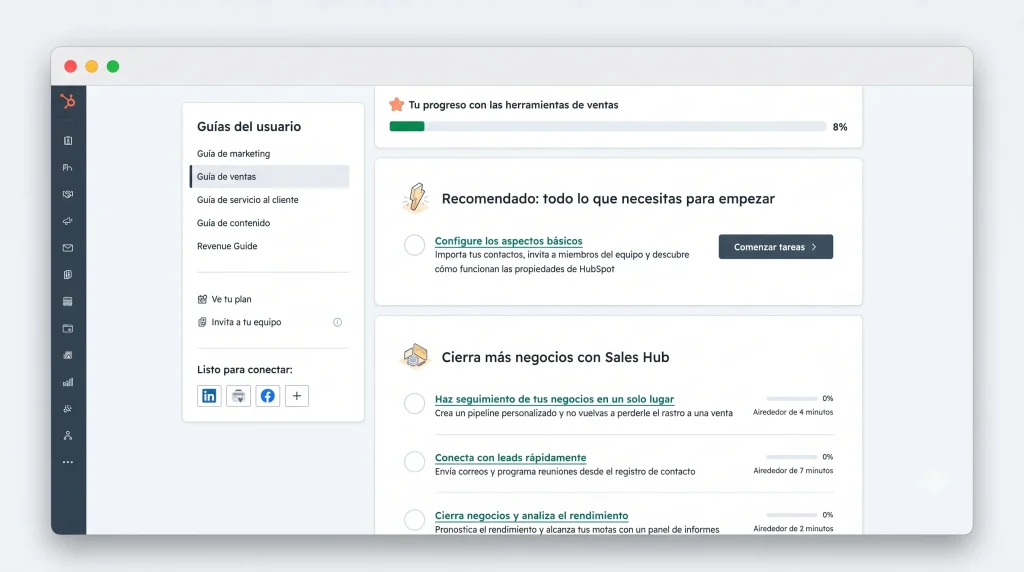
Most current CRMs work under a concept called “sales funnel” (or pipeline). It is a visual view where each potential client appears as a card that you move from one column to another as it progresses: for example, from “New contact” to “In conversation”, then to “Proposal sent” and finally to “Sale closed”. In fact, this gives you a clear picture of your entire business at a glance. If you want to see specific examples, you can check our Complete CRM comparison section.
Free tool: CRM and Commercial Pipeline
Before hiring software, organize contacts, stages and follow-ups in a basic pipeline. This way you can identify the functions that your operation really needs.
Main benefits of using a CRM
| Benefit | Why it matters for an SME |
|---|---|
| Centralized organization | All customer information in one place, not scattered in WhatsApp, emails and notes |
| Fewer lost sales | Automatic follow-up reminders |
| Better teamwork | If you have employees, they all see the same customer history |
| Decisions with real data | Simple reports of what is working and what is not |
| Scalability | It grows with you, without depending on a single person "to have it all in their head" |
In the cloud vs. local
Today almost all modern CRMs are “in the cloud” (cloud). This means that they work from the browser without installing anything, and you access it from any device with internet. Furthermore, this has clear advantages for an SME: you do not need your own server and updates are automatic. You can even check your CRM from your cell phone while out of the office.
On the other hand, “on-premises” CRMs (installed on a specific computer) are practically no longer recommended for small businesses in 2026. The exception is very specific cases of handling sensitive data with particular legal requirements.
Does your SME really need a CRM?
Not every small business needs a CRM from day one. These are clear signs that it is time to take the step:
- You manage more than 20-30 active clients or prospects at a time
- You have forgotten to follow up with an interested client more than once
- You have employees who need to see the same customer history as you
- You no longer trust that Excel or WhatsApp "will be enough" to organize everything
- You want to measure how many sales you actually close vs. how many are lost along the way
If you identified with two or more points on this list, it's a good time to consider one.
If you want to compare specific options, our guide on best free CRMs in Spanish and our guide on how to choose a CRM according to the size of your company help you take the next step.
Frequently asked questions
¿Un CRM es lo mismo que una base de datos de clientes?
No exactamente. Una base de datos solo almacena información, mientras que un CRM además organiza el proceso de venta, te recuerda tareas y te muestra en qué etapa está cada cliente.
¿Necesito saber de tecnología para usar un CRM?
No. La mayoría de los CRM modernos están diseñados para personas sin conocimientos técnicos, con interfaces visuales tipo «arrastrar y soltar».
¿Cuánto cuesta un CRM para una pequeña empresa?
Existen opciones completamente gratuitas para negocios pequeños (con límites de contactos o usuarios), y planes pagos que suelen empezar entre 10-20 USD al mes por usuario.
¿Puedo usar un CRM si trabajo solo, sin empleados?
Sí, incluso como freelancer o negocio unipersonal, un CRM ayuda a no perder oportunidades y a mantener organizado el seguimiento de clientes.
What is a CRM: in summary
In short, a CRM is not an exclusive tool for large corporations. It is, in essence, a way to not depend on memory so as not to lose sales or customers. Therefore, if your small business is growing, it is probably the first “serious” software you should consider.
? In the next article in this series, we will see the best free CRMs in Spanish for entrepreneurs, with a comparison included.
Frequently asked questions
A CRM organizes contacts, conversations, opportunities and follow-up tasks in one place. It serves to reduce forgetfulness and provide continuity to the relationship with each client.
Not always. It is advisable to evaluate a CRM when manual tracking begins to hide information, clients are distributed among several people or opportunities are lost due to lack of reminders.
First define your business process, the data you need to record and who will use the tool. Then compare ease of use, integrations, data export, and limits of the chosen plan.