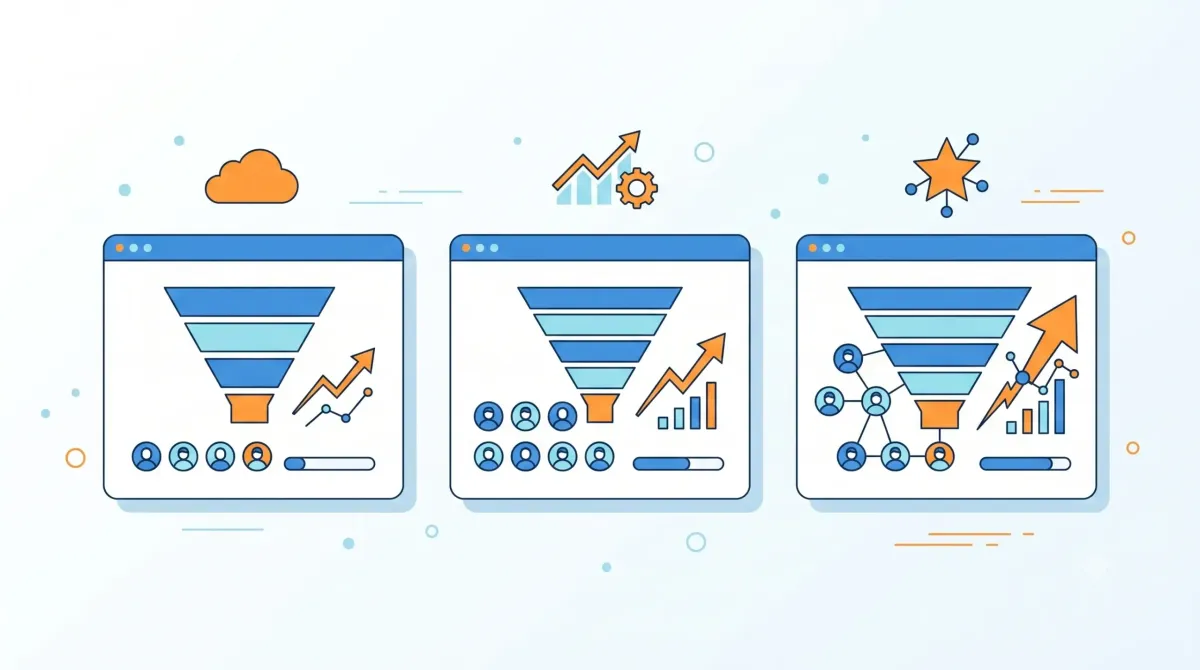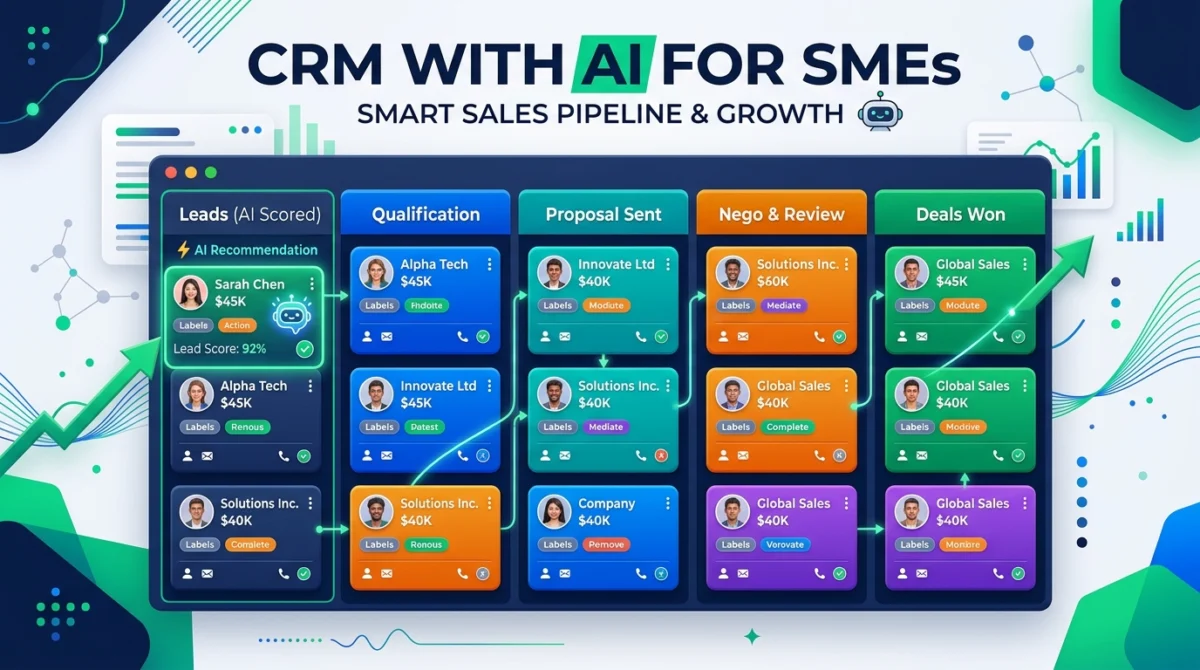
An AI-enabled CRM can save time, but it doesn't fix a messy business process on its own. Before comparing platforms, an SME needs to know what information it collects, what monitoring it repeats, and what decisions are being made late. This guide proposes practical criteria for choosing a CRM with AI without turning automation into another source of complexity.
Table of Contents
Toggle
Start with the process, not the AI function
First define four stages that the team actually uses: new contact, conversation or diagnosis, proposal, and closure or loss. Then assign a visible next action to each opportunity. If those stages are not yet clear, an automated recommendation will not have useful context to work with.
As a preliminary exercise, you can organize contacts, stages and follow-ups in Free CRM and Cloud pipeline tool for SMEs. The goal is not to replace a commercial CRM, but to discover what data, reminders and managers a more complete solution should cover.
Which automations should be validated
| Operational need | What the system should do | Check question |
|---|---|---|
| Opportunity Tracking | Show the next action, the person responsible and the pipeline stage. | Can the team easily spot an opportunity without follow-up? |
| repetitive work | Create tasks, reminders or sequences from defined events. | Can automation be reviewed and disabled without losing control? |
| Emails and notes | Summarize information or prepare drafts that a person validates before sending. | Does the draft preserve the correct context and avoid unverified promises? |
| Reports | Convert activity and pipeline data into understandable reports. | Does the report show the source and detect data errors? |
| Data and permissions | Restrict access and explain how customer data is processed. | Does the SME know who can view, export or edit each record? |
How to compare HubSpot and Pipedrive without looking for a universal winner
HubSpot presents a free CRM with contact, deal, task, pipeline and reporting management, as well as AI functions within its platform. Pipedrive emphasizes a customizable visual pipeline, automations, and AI to prioritize opportunities, summarize communications, and generate reports. Both proposals deserve a test with a real SME flow, not just a comparison of feature lists.
| If your priority is… | What to evaluate |
|---|---|
| Centralize marketing, sales and service | Review whether HubSpot's data integration, user model, and growth plan fit your operation. |
| Sort a sale by stages and activities | Test if Pipedrive's pipeline, activities, and automations reflect how your team sells. |
| Use AI with customer data | Verify data processing, permissions, human controls, contracted plan and availability by country before activating any function. |
Prices, features, limits and availability change. Always check the official pages of HubSpot CRM, Pipedrive AI CRM and their pricing pages before contracting.
When it is not convenient to automate yet
- When the team has not defined what is considered a valid contact or opportunity.
- When customer information is incomplete, duplicated or updated without responsibility.
- When you plan to send automatically generated messages without review, consent, or escalation rules.
- When the provider's privacy, permissions and data export policies have not been reviewed.
Editorial Disclosure: This guide is published for informational purposes. In its first version it does not contain affiliate links. If a commercial relationship is added in the future, it will be identified next to the corresponding link and this note will be updated.
Sources and next step
Check out the official explanations for HubSpot CRM, Pipedrive pipeline management, and Pipedrive AI features. For an initial tour, also check out our guide on What is a CRM and what is it for?.