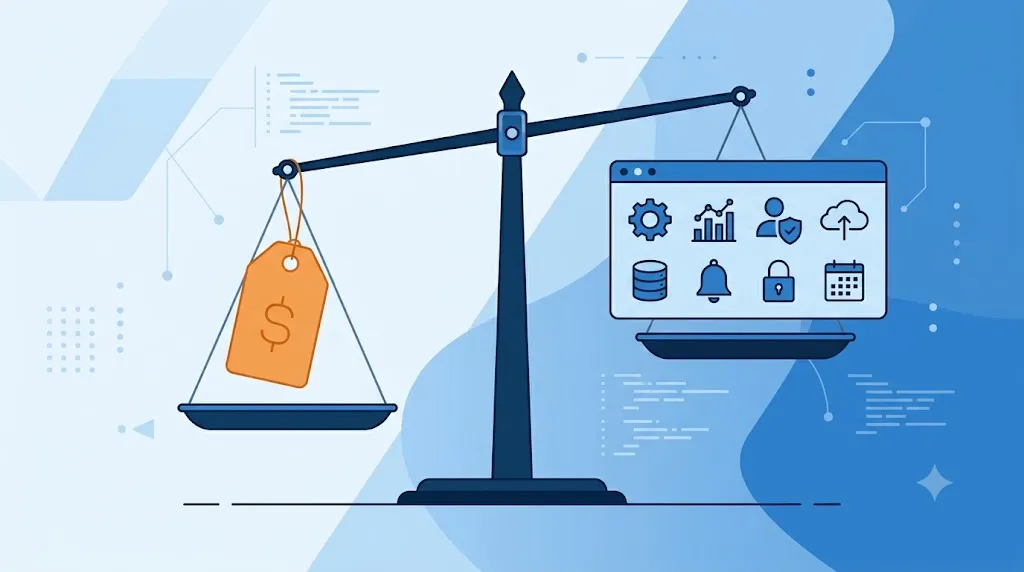
Is your team already using the free version of project software, but you don't know if it's worth paying for more? Comparing free vs paid project software helps you decide that leap without overspending or falling short. That's why many teams only ask this question when the free plan starts to feel limited.
Official source: official Asana guide.
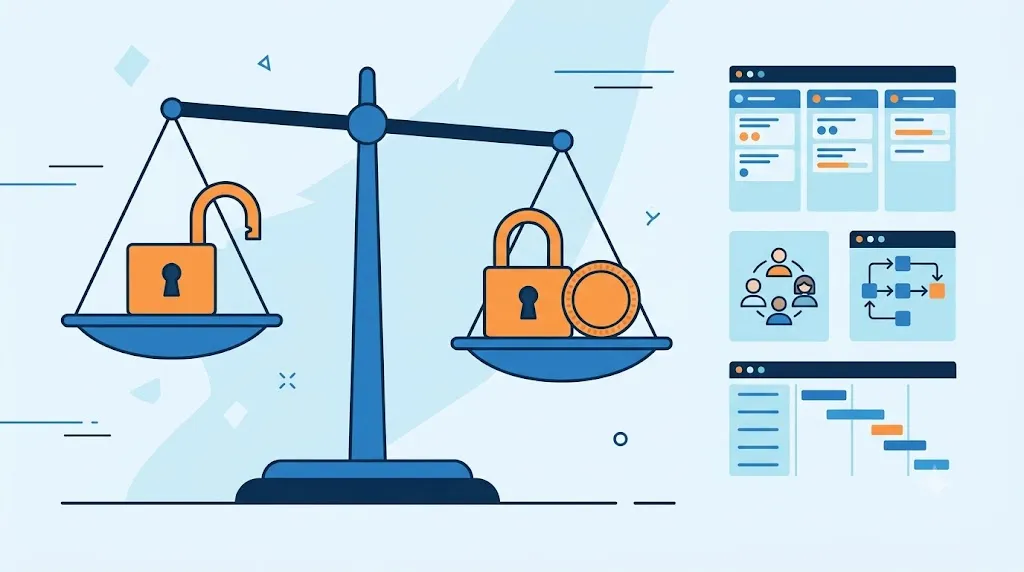
Table of Contents
Toggle
What a free plan usually includes
A free project management plan usually includes basic dashboards. In addition, it has a limited number of active projects and few team members. Likewise, if you are still hesitating between two specific tools, our guide on Trello vs Asana compares that decision between free plans. In general, comparing free vs. paid project software starts just by checking if a free plan is enough for a small team. It is almost always enough when there are few simultaneous projects.
What does a payment plan add up
In addition, a paid plan usually adds automations, additional views such as Gantt or calendar, and finer permissions per user. In fact, our guide on Notion vs ClickUp shows how the features change between the free and paid plan. On the other hand, a paid plan also usually adds more storage space and integrations with other applications.
When the free plan is no longer enough
Symptom table: when the free plan falls short
There is no magic number for all companies, but these signals help you decide with observable criteria. Mentally mark each situation that already occurs on your team:
| Signal | What does it indicate? | Practical decision |
|---|---|---|
| You manage more than 5 simultaneous projects. | The team needs to separate those responsible, dates, dependencies and priorities. | Consider paying if the free plan limits projects, views, or permissions. |
| You need permissions per client, area or team. | The information should not be visible to everyone. | Look for a plan with roles, private spaces or access controls. |
| Work depends on automations or integrations. | Copying tasks and notifications by hand already causes delays. | Compare limits on monthly automations, integrations, and actions. |
| You must submit hours, budget or progress reports. | The client or management needs periodic traceability. | Rate reports, export, time tracking and budgets. |
Prudence rule: pay for a repeated problem that the tool solves, not for a list of features you won't use yet. Also check our comparison of ClickUp and Monday.com before hiring.
The free plan stops reaching when the team frequently hits the limit of active projects or members. Likewise, if you need to automate repetitive tasks, that feature almost always lives behind a paid plan. Our guide on ClickUp vs Monday.com compares that price jump between two popular tools well.
What to look at besides the price of the plan
What to look at besides price matters as much as the exact number on the plans page. In fact, that point carries as much weight as comparing free vs paid project software itself. The cost per additional user, for example, can grow quickly if your team adds people frequently. Likewise, it is worth checking if the payment plan is charged per project, per user, or for both at the same time.
What does this look like in practice
Therefore, a small team with few projects earns little by paying too much ahead of time. A team with several simultaneous projects, on the other hand, takes better advantage of the automations and role permissions of a paid plan. However, no plan solves a bad work process. In fact, it just better organizes a process that already works well.
How to choose based on how much your team uses the tool
If your device uses few features of the free plan, you probably don't need to pay for more yet. Thus, you avoid an expense that does not translate into better real work. If, on the other hand, the device frequently hits the limits of the free plan, it is advisable to add the paid plan. Do it as soon as possible. That is why this change avoids wasting time on tasks that automation would solve in seconds. Since each team grows at a different pace, it is advisable to review this point approximately every six months.
Free vs Paid Project Software FAQ
It usually makes sense when the free plan already limits an important process, for example when managing more than five simultaneous projects, separating permissions or generating reports for clients.
Yes, if you work with few projects, you do not need advanced permissions and you can maintain dates, managers and files without resorting to repetitive manual processes.
Check the actual limit of projects, users, storage, automations, views, integrations, exports, and support for the plan you will use.
Can I start for free and pay later without losing data? Yes, most of these tools allow you to upgrade your plan without losing the projects already created.
Is the free plan enough for a team of five people? It depends on the tool, although several free plans limit both the number of members and the number of active projects.
Is it worth paying just to remove ads or minor limits? Not necessarily, since it is advisable to pay only when the payment plan actually solves a real problem for your team.
Can I go back to the free plan if I no longer need the paid plan? Yes, although you may lose access to features and data above the free plan limit.
Organize your tasks and projects
If you want to try a simple structure before purchasing a suite, use our task and project tool for SMEs. It's a quick way to check what views, statuses, and managers your team needs.
Free vs. Paid Project Management Software: In Summary
Choosing between free vs paid project software depends on how much your team uses the tool. It also depends on how often you hit the limits of the free plan. A free plan is enough for a small team with few projects. A paid plan, on the other hand, is justified when you already need automations and role permissions. With this we close this series on how to choose the right software for your SME at each stage of growth.