You have an interview with a new client in ten minutes, and the meeting link hasn't arrived yet. Choosing well between Zoom vs Google Meet avoids just that kind of friction at the least opportune moment. In fact, both tools basically solve the same thing: connecting people via video without installing anything complicated. However, the connection quality, time limits and price vary greatly from one to the next. Here we compare both in depth, with real data from each plan. This guide on Zoom Google Meet summarizes the criteria that should be reviewed before choosing.
Zoom Google Meet: criteria and guide
What a work video call should resolve
Before comparing Zoom vs Google Meet, define what you use video calls for the most. If you meet primarily with external clients, connection stability outweighs any other function. If, on the other hand, the meetings are internal, integration with the rest of your tools matters more. We already covered that crossover with team chat in our Slack vs Microsoft Teams comparison. That decision also influences which of these two video tools ends up winning for your SME.
Zoom: the most stable option for external meetings

Zoom continues to be the reference when it comes to meeting with external clients or suppliers. Their Basic plan is free, but limits group meetings to 40 minutes. The Pro plan costs $14.16 per user per month, billed annually. Eliminate the time limit and add up to 30 hours per meeting. In addition, it includes 10GB of cloud storage and unlimited use of the artificial intelligence assistant. The Business plan costs $18.33 per user per month. Raise the participant limit to 300 and add more advanced administration controls. Therefore, if your SME organizes webinars or large meetings, Zoom maintains an advantage over Google Meet.
Google Meet: the simplest option if you already use Gmail
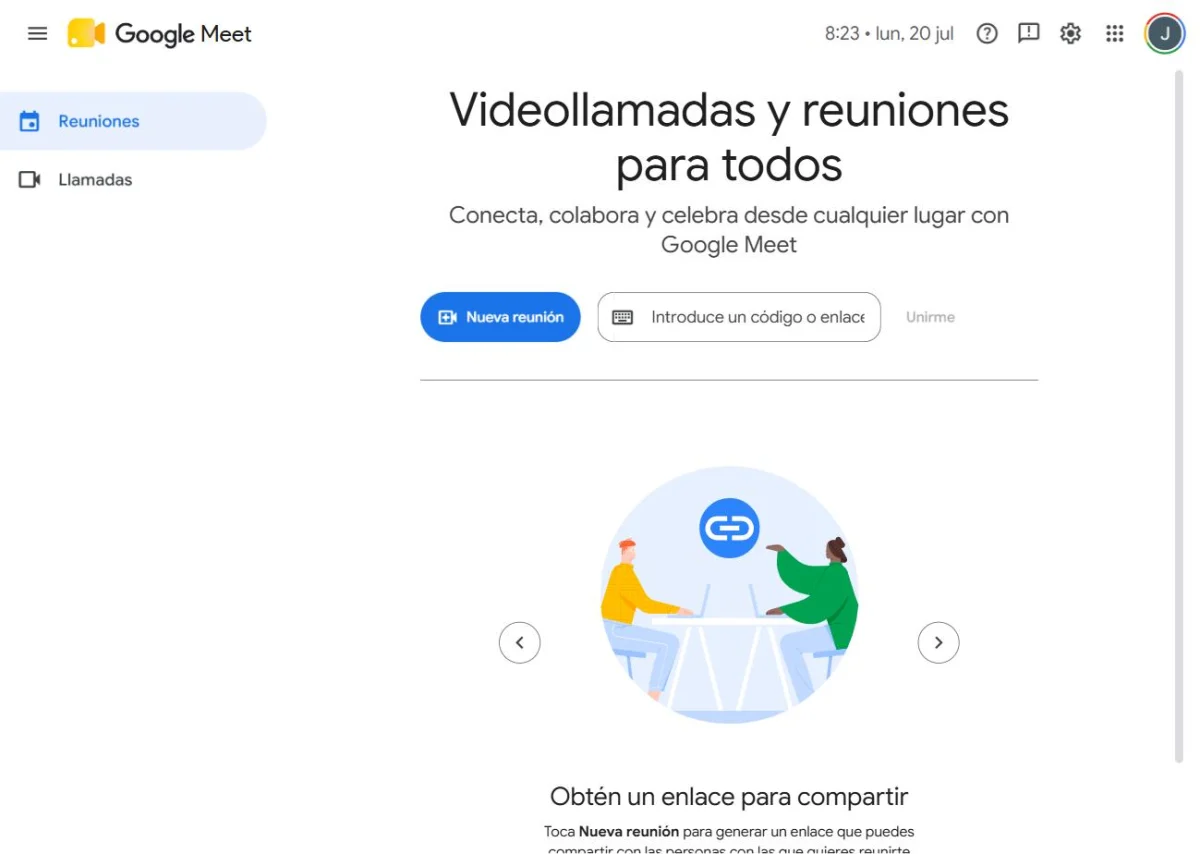
Google Meet is the most natural option if your SME already uses Gmail or Google Workspace for email. Its free version allows meetings with up to 100 participants. Of course, there is a limit of 60 minutes per group meeting. To remove that limit, you need a Google Workspace plan. The Business Starter plan, starting at $7 per user per month, already allows for longer meetings. On the other hand, the Business Standard plan, from 14 USD per user per month, increases the capacity to 150 participants. In addition, it does not require installing any program: everything works directly from the browser, without prior downloads.
Comparative table: Zoom vs Google Meet
| Plan | Zoom | Google Meet |
|---|---|---|
| Free | 40 min, 100 participants | 60 min, 100 participants |
| Basic plan | Pro: 14.16 USD/user/month (annual) | Business Starter: $7/user/month (annual) |
| Advanced plan | Business: 18.33 USD/user/month (annual), 300 participants | Business Standard: $14/user/month (annual), 150 participants |
Before deciding between Zoom vs Google Meet, calculate how many long group meetings your team hosts each week. If there are few, the free plan of either of the two is usually enough without paying more.
What to look at besides the price
Price is not the only variable that matters when choosing between Zoom vs Google Meet. Also check the quality of the connection with participants who have unstable internet. Zoom tends to be better suited to weak connections thanks to its video compression. Google Meet, on the other hand, has an advantage in direct integration with Calendar and Gmail. On the other hand, consider whether you need to record meetings in the cloud. Both tools allow it from their paid plans. Of course, neither of them requires long contracts, so trying before deciding is still a real option.
Free tool: Operational Tasks and Projects
Before paying for a platform, define tasks, responsible parties and dates. A simple flow allows you to evaluate software with a real process, not just a list of features.
Zoom vs Google Meet in practice: two different flows
With Zoom, each meeting lives in a separate link, easy to share even with those who have never used the tool. This simplifies meetings with external clients who only participate once. With Google Meet, on the other hand, meetings are integrated directly into the Google calendar. This makes it easier to schedule recurring meetings with the same internal team, especially if you already apply the steps in our guide on how to organize efficient meetings with distributed teams. However, neither approach is better in the abstract. It depends on whether you meet more with external people or with your own team. For this reason, some SMEs end up using both tools depending on the context of each meeting.
How to choose based on who you hang out with most
If most of your meetings are with external clients or vendors, Zoom tends to feel more professional and stable. If, on the other hand, the team already lives within Gmail, Google Meet saves the step of learning another tool. When your SME organizes large webinars, Zoom Business offers more room for participants. Therefore, before completely deciding, also check our comparison of the best video calling tools for remote teams. Microsoft Teams also comes in as a third option.
Free limits that change the decision
The length of the meeting matters more than a generic list of functions when an SME has frequent work meetings. Zoom's official documentation states 40 minutes for almost all meetings hosted by free Basic accounts; Google Meet offers meetings of up to 60 minutes on the flagship free tier. Please check your account, country, and terms and conditions before publishing an internal policy.
| Service | Free referral limit | Source |
|---|---|---|
| Zoom Basic | 40 minutes for almost all meetings hosted by Basic accounts | Official Zoom Documentation |
| Google Meet | Up to 60 minutes for free group meetings; 1:1 calls may have different conditions | Google Meet official page |
Prices, limits and features may change. This table is used to decide which test to do, not to replace the pricing or help page of each provider.
For reference, Zoom Basic limits almost all hosted meetings to 40 minutes, while Google Meet offers up to 60 minutes in free group meetings depending on the offer consulted.
It can be if your clients already know it or you need specific features, but the 40-minute limit can affect long meetings on the free plan.
Check maximum duration, number of participants, recording, access controls, subtitles, stability on team devices and data policy.
Zoom vs Google Meet FAQ
Which is cheaper, Zoom or Google Meet? Google Meet, if you already pay for Google Workspace, because it does not add a separate cost. Of course, Zoom always requires its own subscription.
Which one has better video quality with bad connection? Zoom tends to adapt better to unstable connections thanks to its optimized video compression.
Can I record meetings on the free plan? Not in either of them. You need a paid plan on both Zoom and Google Meet to record in the cloud.
Is it worth using both tools at the same time? Yes, it is common. Many SMBs use Zoom for external clients and Google Meet for internal team meetings.
Zoom vs Google Meet: in summary
There is no single answer when comparing Zoom vs Google Meet. It depends on who you meet with most often and which suite your SME already pays for. If you host meetings with external clients, Zoom is still the safest bet. If your team already lives in Gmail, Google Meet eliminates an unnecessary step. In the next article we review the best electronic invoicing software for freelancers, to continue solving the essentials of your SME.