Were you offered a program that installs on your computer and now you doubt whether a cloud version is appropriate? Choosing between on-premises or cloud software depends on how your team works. It also depends on how important it is to access from anywhere. That's why many small businesses only ask this question when they already have a remote access or data backup problem.
Official source: Google Cloud official explanation.
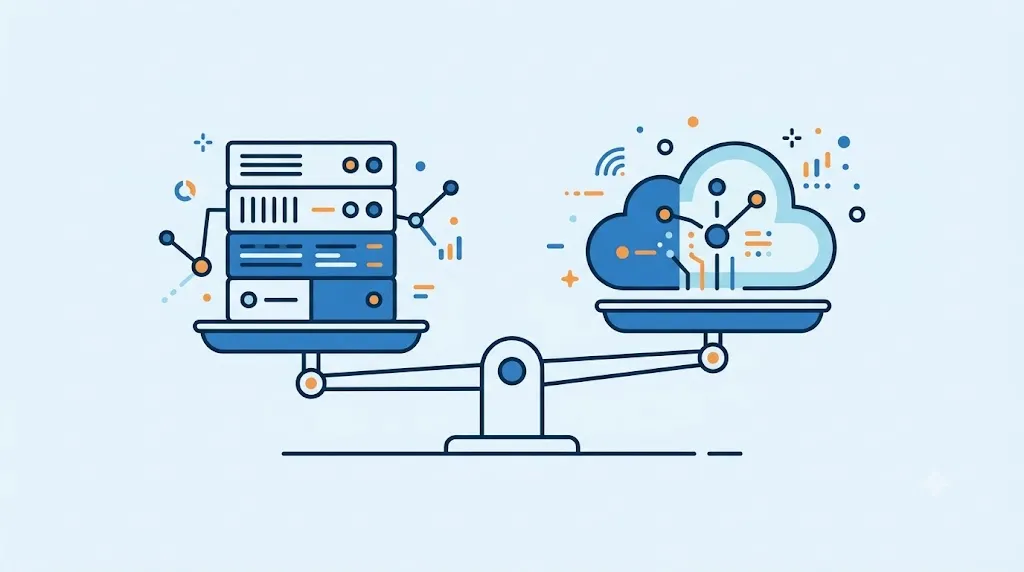
Table of Contents
What is local software and when is it appropriate
Local software installs directly on a computer and saves data to that computer. Therefore, it works without an internet connection, something useful in areas with unreliable connectivity. Plus, some businesses prefer it for full control over where their data lives. However, that control also means that you are responsible for the backup and security of the information.
What is cloud software and when is it appropriate
The cloud software lives on external servers and is accessed from any browser with an internet connection. Likewise, it allows several people to work from different places at the same time, without installing anything on each computer. On the other hand, the provider takes care of backup and updates. That greatly reduces the technical burden on your business. A cloud CRM is one of the most common examples of this model; If you want to understand what a CRM is and what it is for, our complete guide explains it step by step: What is a CRM and what is it for?.
How much does each option cost
On-premise software typically has a higher one-time payment up front, with no recurring monthly fee afterward. Cloud software, on the other hand, charges a lower monthly subscription. However, that fee is paid indefinitely as long as you use the tool. Therefore, it is advisable to calculate the total cost over several years before comparing only the initial price.
What to look at besides price when deciding
What to look at besides price matters as much as the cost of each on-premises or cloud software model. The real need for remote access, for example, tends to tilt the decision toward the cloud in most businesses today. Likewise, it is worth checking if your internet connection is stable enough to depend on it every day.
What this looks like in practice
A business with a single location and a good internet connection usually benefits more from cloud software. A business with an unreliable connection or strict data regulations, on the other hand, sometimes prefers to keep everything local. However, no model replaces good information backup. In fact, it only changes who is responsible for making that backup.
How to choose according to the type of business you have
If your team works from a single fixed location and prioritizes paying once, on-premises software may be better for you. This way, you avoid an indefinite monthly fee. If, on the other hand, your team moves between several locations or works partially remotely, it is advisable to add cloud software. That is why this model facilitates access without depending on a specific computer. Since each business operates differently, it is advisable to carefully review the total cost before deciding. If budget is your main limitation when deciding, our guide on how to choose software for your SME according to your budget delves into that decision.
Servers, backups and security: the real cost
The cost of a local system does not end at the license. You must also consider the server or computer that runs it, storage, power consumption, maintenance, updates, support, and the time of the person managing the infrastructure. These amounts vary depending on equipment size, application, and availability level; That is why it is advisable to calculate them with your own data instead of assuming a universal figure.
| Appearance | Local software | cloud software |
|---|---|---|
| Infrastructure | The business purchases, hosts and maintains the necessary equipment or servers. | The provider operates the infrastructure; Check what the plan includes and what limits it has. |
| Backups | The team must define frequency, destination, restoration tests and a copy outside the main location. | The provider usually offers backup mechanisms, but you must check frequency, retention, restore and export. |
| Security | The company configures access, patches, antivirus, encryption, segmentation and monitoring. | The provider manages part of the platform; The company remains responsible for the users, permissions, devices and data you enter. |
| Continuity | A breakdown may require replacement equipment, support, and your own recovery plan. | It depends on the provider's availability, connectivity, support and exit procedure. |
Before hiring, ask how the data is encrypted, who can access it, how incidents are reported, how the information is recovered and how you can export it when finished. The cloud does not eliminate the responsibility of governing data, and on-premises software does not guarantee security on its own.
On-Premise or Cloud Software FAQ
Can I migrate from on-premises software to the cloud later? Yes, although data migration takes time depending on how much information you accumulated.
Is cloud software less secure than on-premises? Not necessarily, as cloud providers usually invest quite a bit in security and automatic backup.
Can I use local software from multiple computers? It depends on the license, although many local versions limit use to a single installed computer.
What happens if my internet connection is cut off with cloud software? You temporarily lose access, so it is a good idea to check if your connection is reliable before depending on the cloud.
How to Choose Between Local or Cloud Software for Your Business: in Summary
Choosing between local or cloud software depends on how your team works and how much remote access matters to you. On-premises software works with unreliable connectivity, while the cloud facilitates distributed work. In the next article in the series we review the best customer survey and feedback tools, another typical decision when choosing software for your SME.
If you're still comparing costs, use total cost simulator between physical software and cloud as a starting point.
Not necessarily. Compare the total cost, including subscriptions, migration, support, backups, equipment, and administration time.
Review security, backups, availability, data export, user permissions, and exit conditions.
It may be appropriate when there are connectivity, integration or operational control requirements that the cloud alternative does not reasonably cover.