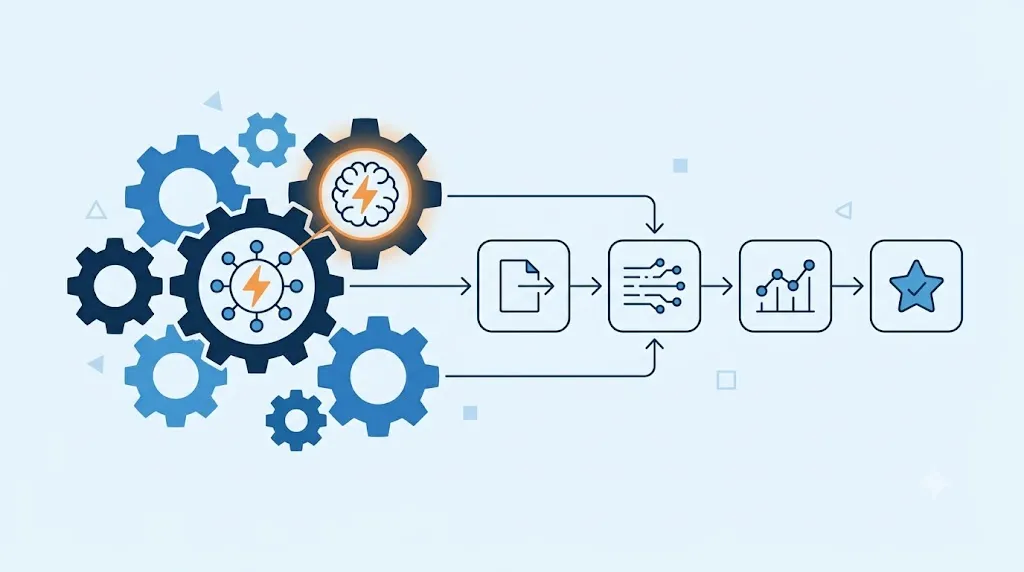
You've already decided that you need to automate processes, but you don't know whether to start with Zapier or Make. The Zapier vs Make comparison almost always boils down to the same thing: simplicity versus flexibility. Here we delve into the real differences between the two, beyond the price of each plan. This guide on Zapier Make summarizes the criteria that should be reviewed before choosing.
Zapier Make: criteria and guide
Zapier and Make in a quick look
We already presented both platforms along with a third option in our best AI tools to automate repetitive tasks comparison. Here we go into more detail in the Zapier vs Make debate. They are the two options that generate the most doubts among SMEs that are just starting to automate. Therefore, it is worth dedicating an entire article just to the two of them.
Zapier: the simplest learning curve

Zapier organizes each automation as a linear sequence: a trigger and one or more actions. That simplicity makes it easy for almost anyone to put together their first flow in minutes. You don't need to see a complicated diagram. Additionally, Zapier Copilot allows you to describe what you want to automate in simple text. The tool puts together the flow for you. Of course, that same simplicity limits what you can build when the process becomes more complex. So with multiple conditions or alternative routes, Zapier starts to feel limited.
Make: the most flexible visual editor
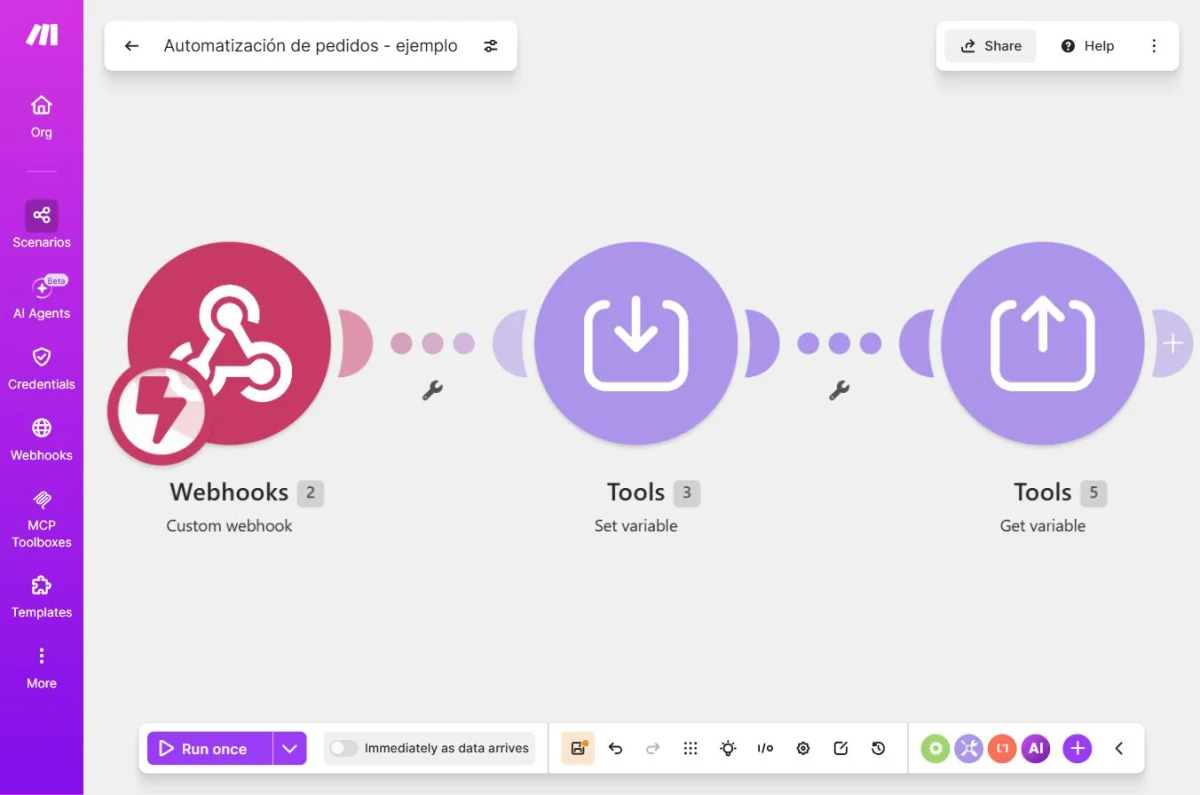
Make uses a visual editor of connected nodes, similar to a flow chart. This allows you to build conditional routes, loops and branches. Zapier doesn't handle that as well. Therefore, Make is best suited when your process has several conditions or steps that depend on each other. In return, that same editor requires more learning time at the beginning. Of course, this initial effort is paid only once, while complex flows are repeated every month.
Price: how they compare in practice
With a similar budget, Make usually performs more operations than Zapier tasks. Make's Core plan, at $12 per month, delivers 10,000 operations. Zapier's Professional plan, at $19.99 per month, does not advertise a fixed number of tasks. Instead, it depends on the contracted plan and how many steps each flow has. However, an operation in Make is not always equivalent to a task in Zapier. Each platform counts usage differently. Therefore, the unit price comparison can be misleading. It's a good idea to check how each platform counts your actual usage before deciding just on the number on the price tag.
Comparative table: Zapier vs Make
| Criterion | Zapier | Make |
|---|---|---|
| Editor format | Linear, trigger and actions | Visual, connected nodes with branches |
| Learning curve | Low, suitable for beginners | Average, better with previous experience |
| Free plan | 100 tasks/month, one step per flow | 1,000 operations/month, 2 active flows |
| Plan paid from | 19.99 USD/month (Professional) | 12 USD/month (Core, 10,000 operations) |
Before deciding between Zapier vs Make, put together a test flow on both with the free version. In fact, that practical test reveals better than any table which interface feels most natural to your team.
What to look at besides the price
Price is not the only variable that matters in the Zapier vs Make debate. Review how many apps in your current stack integrate each platform. Not all of them cover the same tools. It's also a good idea to check how each one handles an error mid-flow. That directly affects your critical processes. On the other hand, think about how easy it is for someone else on the team to understand a flow you put together. That matters especially if you one day leave that role.
Free tool: Operational Tasks and Projects
Before paying for a platform, define tasks, responsible parties and dates. A simple flow allows you to evaluate software with a real process, not just a list of features.
Zapier vs Make in practice
A business that only needs to send an email when a new form arrives solves that in Zapier in minutes. A company that needs to route an order based on three different conditions builds that with less friction in Make. Additionally, a team that already uses many unusual apps finds more native integrations in Zapier. Neither of them wins in the abstract. Therefore, the right decision depends on how many conditions and branches your actual process has.
How to choose according to your equipment
If your team has no technical experience and your processes are simple, Zapier reduces initial friction. If, on the other hand, you already have processes with several conditions, Make performs more for the same budget. That especially applies if someone on the team is already comfortable with flowcharts. Therefore, if your specific goal is to automate repetitive administrative tasks, also review our guide on how to save hours of administrative work with automation.
Zapier vs Make FAQ
Which is easier to learn, Zapier or Make? Zapier, thanks to its linear format. Of course, Make requires more time at first, but it allows you to build more complex flows.
Which is cheaper, Zapier or Make? Depends on use. In fact, Make usually performs more operations for the same budget, but Zapier integrates more apps natively.
Can I migrate my flows from Zapier to Make? Not automatically. You would have to redo each flow manually on the new platform.
Can I use both platforms at the same time? Yes, it is common. Some businesses use Zapier for simple flows and Make for more complex ones.
Zapier vs Make: in summary
There is no single right answer in the Zapier vs Make debate. Zapier gains simplicity for linear processes. On the other hand, Make gains flexibility when your process has several conditions. Try both with their free plan before committing to a paid plan. In the next article we review how to use ChatGPT for automated customer support, without losing the human touch.