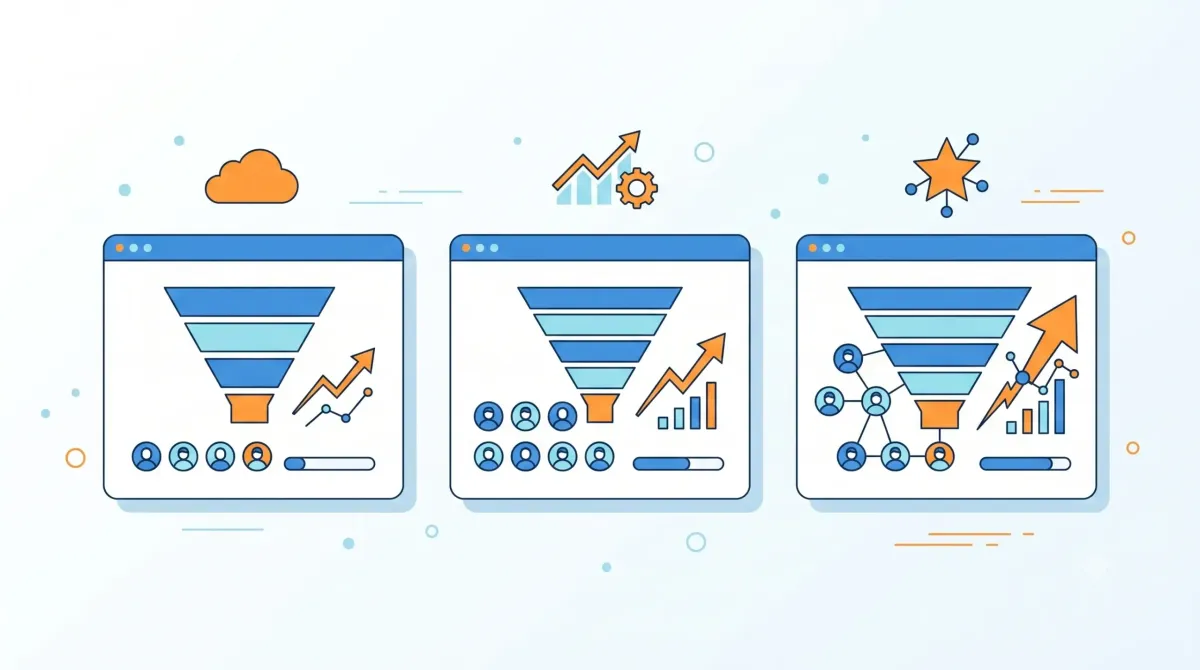
If you work alone, you've probably already asked yourself this question: do I really need a CRM for freelancers, or is it a tool designed for teams that I don't have enough for? It's a valid question — not everyone who works independently needs the same structure as a company with salespeople. This guide on CRM freelancers summarizes the criteria that should be reviewed before choosing.

CRM freelancers: criteria and guide
In this article we honestly analyze when it is worth it and when it is simply excess. If you don't know What is a CRM and what is it for? yet, start with that guide.
CRM for freelancers: the right question
The question should not be "do I need a CRM yes or no?", but rather "how many active clients do I manage at once, and do I forget something often?" According to self-employment data, most freelancers manage fewer simultaneous clients compared to a sales team — so the answer is not the same for everyone.
What makes a freelancer different from an SME with a team?
A freelancer typically does not need to assign tasks to others, or share a client's history with a colleague. Therefore, many "core" functions of a traditional CRM (team permissions, reports by salesperson) simply do not apply.
When it IS worth using one
- You manage more than 10-15 active clients or prospects at a time
- You forgot to follow up with someone more than once
- You quote or propose work to several people per week and you lose track
- You want to see, at a glance, how much you have in proposals “in process”
When is it excessive
- You work with 2-3 fixed and recurring clients, without the need to constantly "hunt" for new ones
- You already have a simple system (agenda, notes) that has never failed you
- It would take you more time to configure the tool than the time it saves
If you identify more with this second group, perhaps what you need is not a complex system, but something much simpler.
Simpler alternatives to a complete CRM
Before setting up a full platform, consider whether lighter tools are enough: a well-organized spreadsheet, a Notion or Trello-style board, or even a contact book with calendar reminders. For many freelancers, this is enough for quite some time.
Lightweight CRM options for freelancers
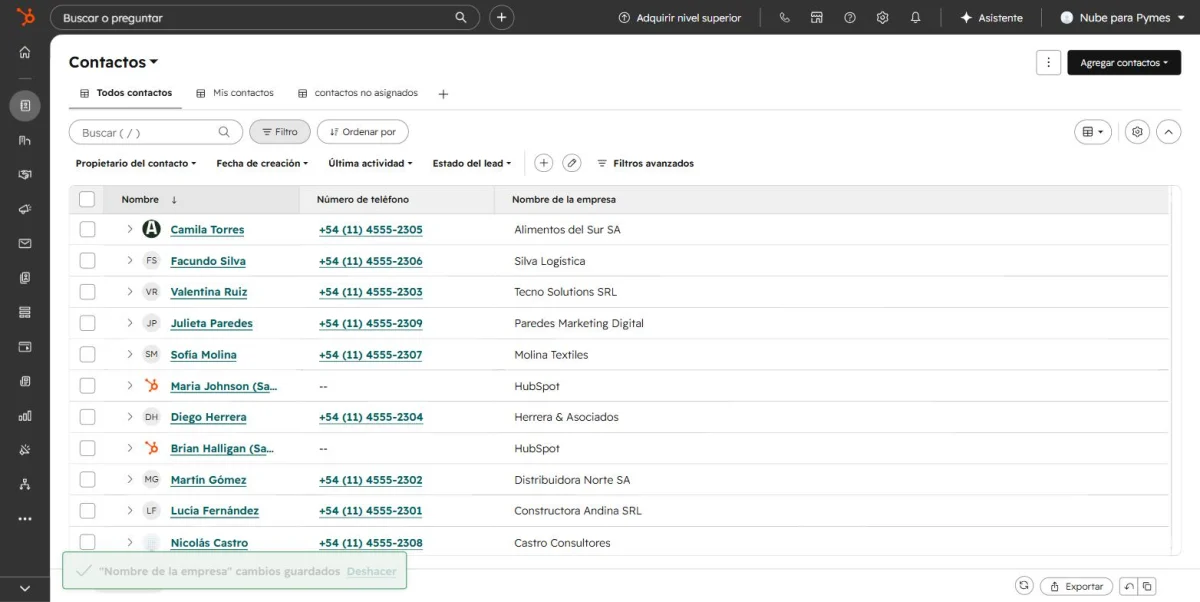
If you decide that you do need it, there is no need to go straight to a complex platform. Check out our comparison of the best free CRMs in Spanish — several options there work perfectly well for a single user, at no cost.
Frequently asked questions
¿Un CRM gratuito alcanza para un freelancer, o necesito pagar?
En la mayoría de casos, el plan gratuito de opciones como HubSpot o Zoho es más que suficiente para un solo usuario.
¿Cuánto tiempo toma configurar uno siendo independiente?
Usualmente entre 30 minutos y 1 hora para dejarlo funcional, mucho menos que en un equipo con varios usuarios.
¿Puedo empezar simple y migrar a un sistema más completo después?
Sí, es la ruta más recomendable: no sobre-inviertas tiempo en una herramienta compleja antes de comprobar que realmente la necesitas.
CRM for freelancers: in summary
It's neither a stretch nor an obligation — it depends on how many active clients you handle and how often you forget something. If you work with few regular clients, you probably don't need it yet; If you quote several people per week, it's time to consider it.
In the next article, we will see how to migrate from Excel to a CRM without losing data, for those who have already decided to take the step.
Free tool: CRM and Commercial Pipeline
Before hiring software, organize contacts, stages and follow-ups in a basic pipeline. This way you can identify the functions that your operation really needs.
Frequently asked questions
You may need this if you manage multiple clients, proposals, and follow-ups at the same time. If the process is very small, a lightweight tool may be sufficient as long as it allows the information to be consulted and backed up.
Notion, Folk and Capsule are alternatives that should be compared for ease of use, contacts, tracking, automations, export and total cost for a single person.
Review the number of contacts, included features, integrations, data export, support, and whether pricing is calculated per user or per feature.